Use autoseo wordpress workflows without losing editorial control
An autoseo wordpress workflow can move a post from topic research to a review-ready draft while keeping your WordPress editor, voice, and approval process in charge.
WordPress is easy to publish in, but the work before the Publish button is rarely simple. A useful workflow must reduce repetition without turning every page into the same generic draft.
Solo publisher
You have a topic and a rough brief, but switching between research notes, an outline, and the WordPress editor slows the first draft.
Create a structured starting point with headings, search intent, internal-link opportunities, and review prompts before writing the final copy.
These workflows keep the tool close to the work WordPress teams already do: define the brief, shape the draft, then inspect it before publication.
1
Brief the page
Start with the topic, audience, location or service context, desired action, and any facts the draft must respect. The clearer the brief, the less cleanup the WordPress editor will need later.
2
Shape the draft
Turn the brief into a useful structure: a working title, logical headings, suggested sections, concise metadata, and natural places for related articles or service links.
3
Review before upload
Read every claim, link, heading, and call to action in context. Edit for brand voice, confirm the facts, and only then move the approved material into WordPress.
What the workflow produces
The output is most useful when it gives an editor something specific to inspect rather than pretending to be a finished publication.
A defined topic, audience, and publishing goal
01brief
Structure and copy that can be reviewed separately
02draft layers
Claims, links, and formatting inspected before upload
03checks
Draft preparation versus final publication
The distinction matters: automation can prepare material for WordPress, but it should not replace the person responsible for accuracy, accessibility, and publishing decisions.
Manual WordPress publishing
Autoseo-assisted workflow
Starting point
Manual WordPress publishing
A blank editor or scattered notes
Autoseo-assisted workflow
A brief with topic, audience, intent, and constraints
Page structure
Manual WordPress publishing
Headings are chosen while drafting
Autoseo-assisted workflow
A proposed outline is available for review
SEO fields
Manual WordPress publishing
Titles and descriptions are often added last
Autoseo-assisted workflow
Metadata ideas are prepared alongside the outline
Internal links
Manual WordPress publishing
Links depend on memory or a later pass
Autoseo-assisted workflow
Relevant link opportunities are surfaced for checking
Brand voice
Manual WordPress publishing
Writer applies tone from personal judgment
Autoseo-assisted workflow
Editor compares the draft with the supplied voice guidance
Fact ownership
Manual WordPress publishing
Publisher verifies the copy before release
Autoseo-assisted workflow
Publisher still verifies every factual claim before release
Final action
Manual WordPress publishing
The editor publishes from the WordPress screen
Autoseo-assisted workflow
The editor approves, edits, then publishes from WordPress
Example output
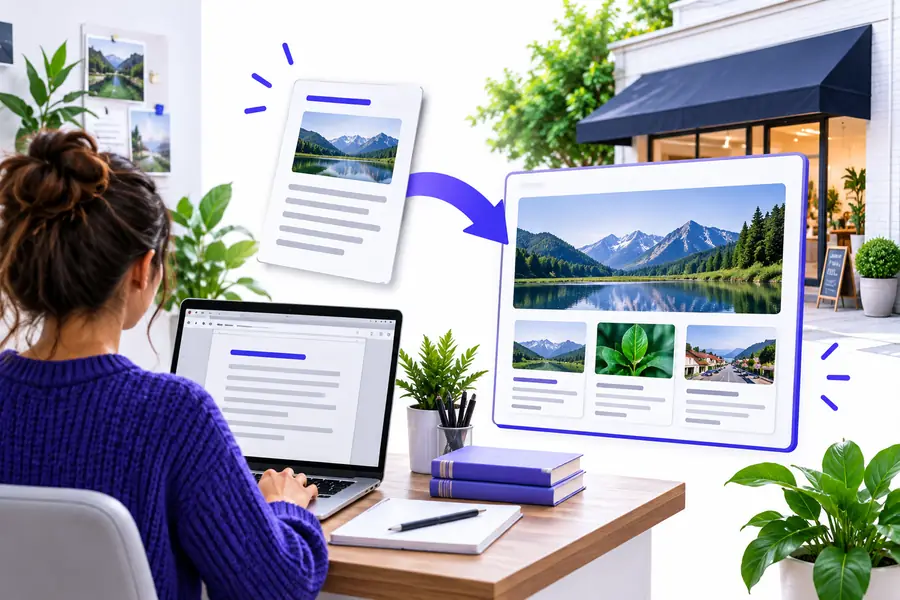
A useful result should make the change visible: from an unstructured idea to a reviewable page plan that an editor can challenge, refine, and publish responsibly.
Loose research
Review-ready plan
The visual represents a workflow change, not a promise of automatic publication.
Compliance notes
WordPress is the destination, not a guarantee of quality. Treat the workflow as preparation and keep a human approval step wherever content affects trust, safety, or regulated claims.
It cannot verify every claim
A generated draft may organize information without proving that each statistic, quote, product detail, or service promise is current.
Workaround
Assign a reviewer to trace important claims to reliable sources before publication.
It cannot know your plugins
The workflow cannot safely assume your WordPress theme, SEO plugin, schema settings, redirects, or editorial permissions.
Workaround
Use your existing site checklist and confirm fields inside the actual WordPress installation.
It cannot replace accessibility review
Good headings and readable copy do not guarantee accessible contrast, labels, keyboard behavior, image descriptions, or media controls.
Workaround
Run your normal accessibility checks and review the rendered page, not only the draft text.
It cannot publish responsibly by itself
Automatic publishing can expose errors, unsupported claims, or an unfinished page to visitors and search engines.
Workaround
Keep approval, scheduling, and final publication with an accountable editor.
Make the next WordPress draft easier to review
Move from topic to a cleaner editorial handoff
Use a focused brief to create a structured starting point, then bring the material into your normal WordPress review process. The goal is less repetitive setup, not less editorial judgment.
Answers for teams evaluating this route as part of a WordPress content process.
It helps organize a topic brief into a draft structure, suggested metadata, useful sections, and possible internal-link locations. You still need to edit the copy and confirm that it matches the site.
Do not treat the workflow as an automatic publishing authority. Prepare the draft, move approved material through your normal WordPress process, and keep credentials, permissions, and final publication under your control.
It can support a shared briefing and review process when the team defines its own voice, fact-checking, accessibility, and approval rules. The output should be a handoff for writers and editors, not a replacement for those rules.
No. It can improve preparation and consistency, but rankings depend on the quality and originality of the content, technical site conditions, competition, links, and how well the finished page serves visitors.
Check factual claims, sources, search intent, headings, internal links, metadata, accessibility, brand tone, calls to action, and any regulated or location-specific language. Preview the rendered page in WordPress before scheduling it.